

WordPress may dominate the web, but putting all your trust in a single platform can be risky—especially when uncertainties arise due to internal changes or security concerns. That’s why exploring alternatives isn’t just about variety; it’s about finding the right fit for your specific needs.
Thankfully, WordPress isn’t the only option. Whether you need a user-friendly website builder with drag-and-drop functionality or a robust open-source CMS with deep customization, there are plenty of alternatives worth considering.
In this guide, we highlight 8 powerful WordPress alternatives, each offering unique features tailored for different users—from beginners to advanced developers. If you’re looking for greater flexibility, better performance, or just a fresh approach to website building, these platforms provide compelling solutions.
Astro
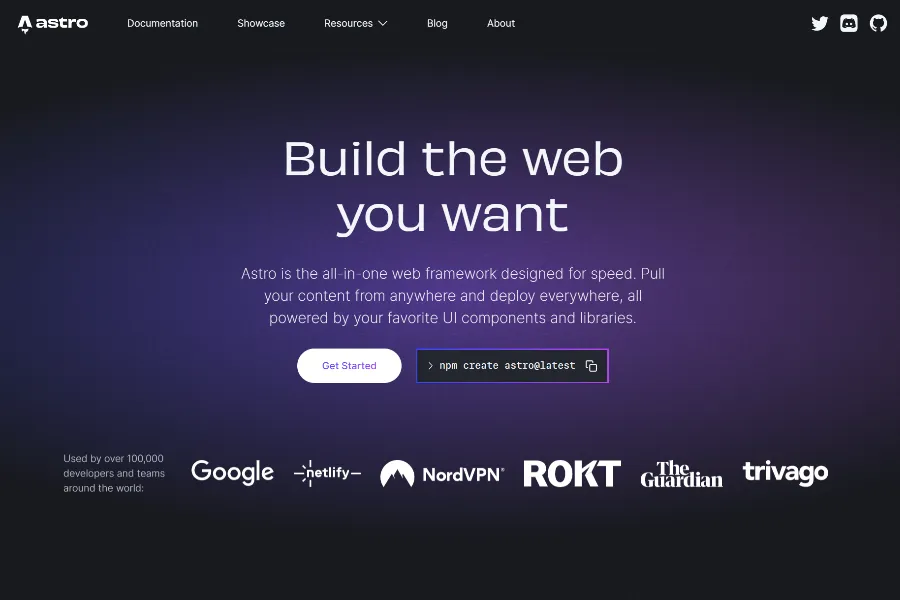
Astro has quickly risen to become one of the most exciting WordPress alternatives, offering a modern approach to web development that prioritizes performance without sacrificing developer experience.
Discover Astro's unique features, get started with our comprehensive guide - Astro.js Introduction.
Key Features
- Partial Hydration: Optimizes performance with minimal JavaScript.
- Framework Freedom: Supports React, Vue, Svelte, and more.
- Markdown Support: Built-in tools for easy content creation.
- Smart Loading: Features automatic code-splitting and lazy-loading.
Pros & Cons
| Pros | Cons |
|---|---|
| ✅ Excellent performance with minimal JavaScript | ❌ Relatively new, so the ecosystem is still growing |
| ✅ Flexible architecture allowing use of preferred frameworks | ❌ May require more technical knowledge than WordPress |
| ✅ Great developer experience | |
| ✅ SEO-friendly by default | |
Best for
- Content-focused websites needing top-tier performance
- Blogs
- SaaS, Agency, Businesses
- Documentation Sites
- Portfolios
- Landing Pages
Themes & Templates
Here you can explore a collection of free and premium Astro themes - Best Astro Themes
Webflow
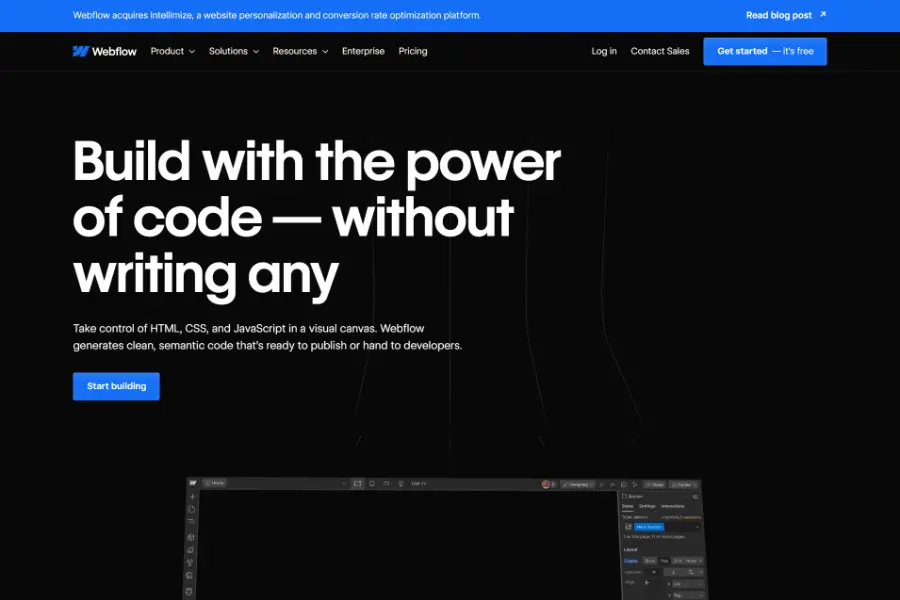
Webflow excels in visual web design, providing a drag-and-drop interface for crafting distinctive websites. It features robust animation tools and a built-in CMS for simplified content management. Webflow is a great choice for those who prioritize design flexibility and granular control.
Key Features
- Tailored Design: Webflow empowers users to personalize website aesthetics to their exact specifications.
- Interactive Mockups: Build functional, interactive prototypes directly within the platform.
- Enhanced Workflow: Webflow optimizes the design and development process, boosting efficiency.
- Accelerated Development: Webflow reduces the time required for website creation.
- Integrated Functionality: Webflow eliminates the need for third-party plugins.
- User-Friendly Content Management: Webflow offers a customizable CMS tailored for clients.
- Reliable Web Hosting: Webflow ensures secure and dependable website hosting.
- Visual Design Interface: Design and modify website elements through an intuitive visual editor.
- Dynamic User Experiences: Create captivating animations and interactive elements.
- Scalable Landing Pages: Design landing pages capable of handling any level of traffic.
- Adaptable Subscription Options: Webflow offers diverse pricing plans to meet various needs.
- Search Engine Optimization Tools: Webflow provides tools to enhance website visibility in search results.
- Website Performance Monitoring: Webflow includes an audit panel for improved website management.
- Structured Code Output: Webflow generates well-organized and semantic HTML and CSS.
Pros & Cons
| Pros | Cons |
|---|---|
| ✅ Interactive, visual website construction | ❌ Constrained direct code manipulation |
| ✅ Diverse theme selection during website creation | ❌ Lack of a dedicated mobile editing application |
| ✅ Built-in features, no plugins required | ❌ Confusing or variable subscription costs |
| ✅ Rapid development cycles | |
| ✅ Budget-friendly for many users | |
Best for
- Entrepreneurs
- Web design professionals
- Creative minds
Framer
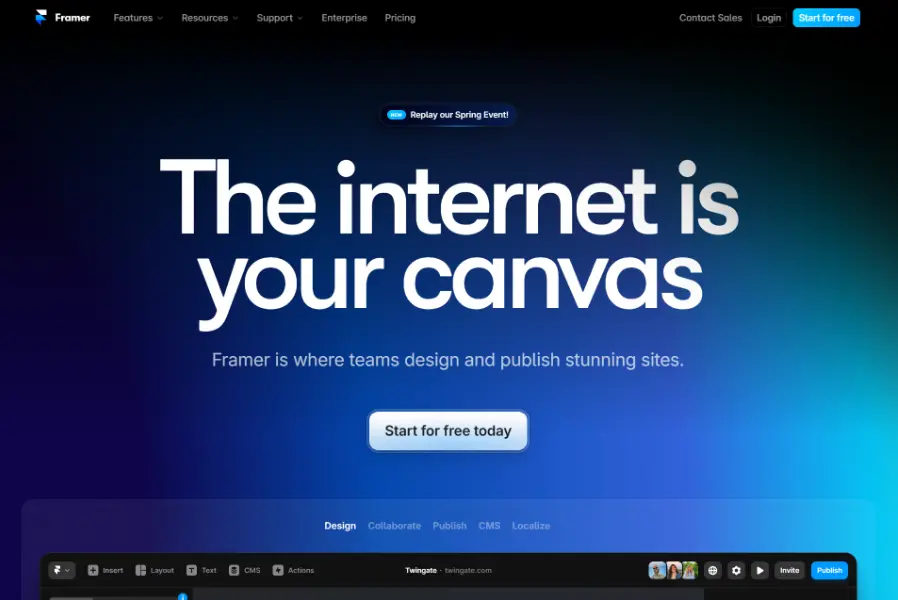
Framer, a tool favored by design and development professionals, provides a robust no-code environment for constructing dynamic prototypes and user interfaces. While it presents a more challenging learning curve than some alternatives, Framer facilitates the creation of intricate functionalities and animations. This platform is most effective for users with design or development backgrounds who aim to create cutting-edge interactive websites.
Key Features
Personalized Design: Framer enables users to customize website aesthetics to their exact preferences.
Simplified Website Development: Construct websites without manual coding, leveraging Framer's integrated content management and AI-driven website builder.
Search Engine Optimization: Enhance website visibility with features like sitemaps, optimized code, and image compression.
Streamlined Animation Creation: Develop impressive animations with minimal coding effort using Framer Motion.
Real-Time Collaboration: Work concurrently on designs with Framer's collaborative tools, ensuring team alignment.
Accessible Design Practices: Build inclusive websites that cater to all users with Framer's accessibility configurations.
Pros & Cons
| Pros | Cons |
|---|---|
| ✅ User-friendly for Figma users | ❌ Not recommended for complete novices |
| ✅ Unconventional layout and design possibilities | ❌ CMS capabilities are less extensive than others |
| ✅ Smooth integration with Figma | ❌ Performance may be suboptimal on older hardware |
| ✅ Guided learning through tutorials | ❌ Lacks native e-commerce functionalities |
| ✅ Trial period with a temporary domain provided | |
Best for
- Complex animations & interactions
- Designing high-level prototypes
Hugo
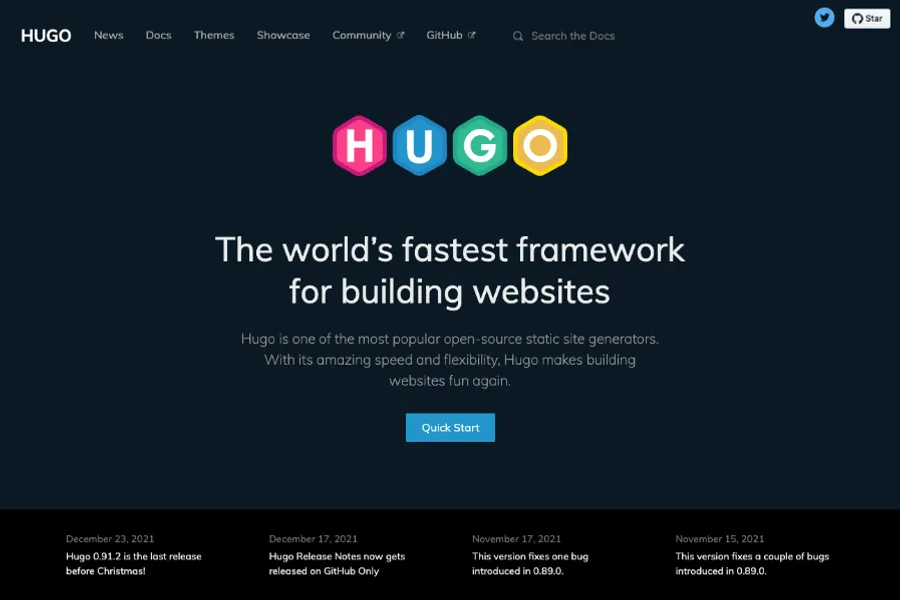
Hugo is one of our top alternatives to WordPress, and for good reason. This open-source static site generator has gained immense popularity among developers for its lightning-fast build times and simplicity.Hugo's longevity is also one of its greatest strengths. Having been rigorously tested in large-scale projects by renowned companies, it provides assurance that it is stable and here to stay.
Key Features
- Lightning-Fast Builds: Processes pages in under 1ms.
- Templating Made Easy: Comes with built-in templates and themes.
- Global Reach: Offers native multilingual support.
- Flexible Content: Supports multiple data formats for content management.
- Custom URLs: Allows fully customizable page links.
- Reader Insights: Includes “Minutes to Read” and “WordCount” tools.
Pros & Cons
| Pros | Cons |
|---|---|
| ✅ Extremely fast performance | ❌ Steeper learning curve for non-technical users |
| ✅ No database required, reducing vulnerabilities | ❌ Limited plugin ecosystem compared to WordPress |
| ✅ Easy deployment to various hosting platforms | |
| ✅ Great for SEO due to its static nature | |
Best for
- Developers building high-performance websites, blogs, or documentation sites
- Projects that prioritize speed and security
Themes & Templates
Here you can explore a collection of free and premium Hugo themes - Best Hugo Themes
Wix
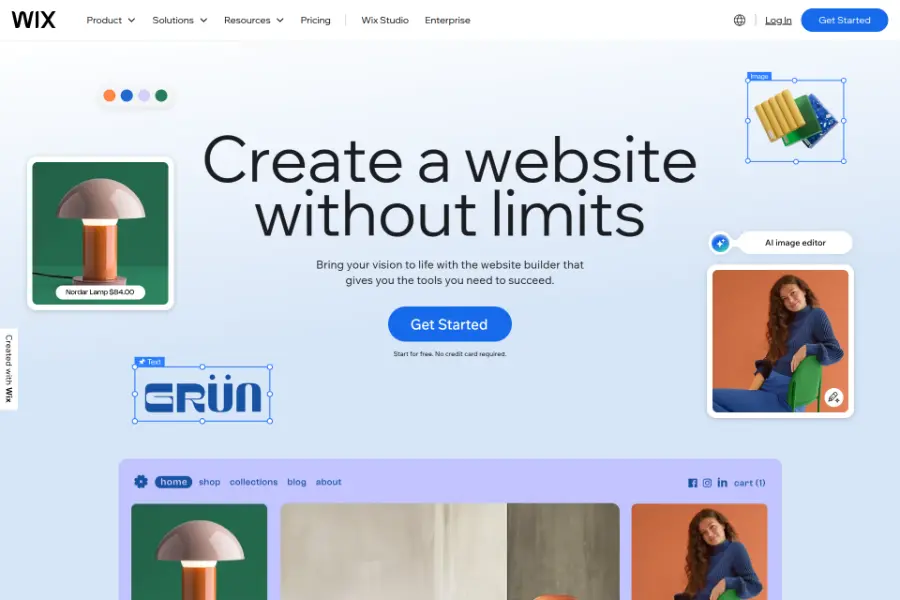
Wix's drag-and-drop interface simplifies website design with customizable templates for various needs. As a hosted platform, it handles maintenance and security, ideal for non-technical users. A free plan is available but includes Wix branding and a non-custom domain. However, switching templates later requires redesigning your site.
Key Features
- All-in-One Hosting: No separate hosting required.
- Hassle-Free Setup: No software installation needed.
- Drag-and-Drop Ease: Intuitive builder for quick designs.
- Extensibility: Supports add-ons and integrations.
- Mobile-Ready: Designs optimized for all devices.
- Blogging Tools: Built-in features for bloggers.
- Ecommerce Ready: Basic online store capabilities.
Pros & Cons
| Pros | Cons |
|---|---|
| ✅ Comprehensive website building platform | ❌ Limited site control compared to self-hosting |
| ✅ Free tier with basic functionality | ❌ No direct access to underlying code |
| ✅ Ready-made templates for quick setup | |
| ✅ Free subdomain for all users | |
| ✅ Custom domain with paid subscriptions | |
| ✅ Built-in customer support | |
Best for
- It-Startups
- Small business
- Educational and professional sites
Squarespace
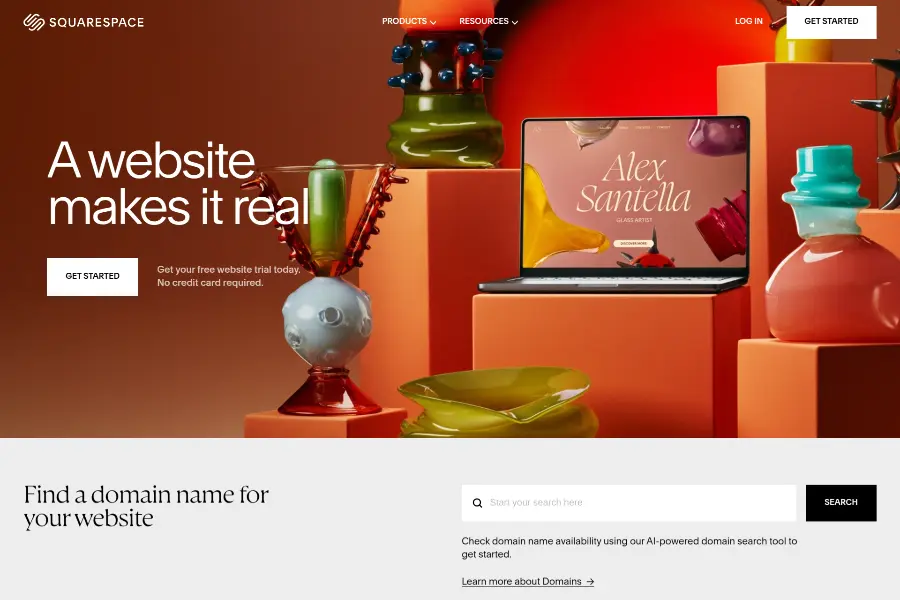
Squarespace has made a name for itself as a sleek, design-focused website builder that caters to creatives and small businesses looking for polished, professional-looking sites.
Key Features
- Beautiful, customizable templates
- Built-in e-commerce capabilities
- Integrated marketing tools
- Mobile-responsive designs
Pros & Cons
| Pros | Cons |
|---|---|
| ✅ High-quality, ready-to-use designs | ❌ Reduced flexibility compared to open-source |
| ✅ Integrated platform (hosting, domain, SSL) | ❌ Higher cost than basic hosting options |
| ✅ User-friendly with robust customization | ❌ Fewer third-party integrations than WordPress |
| ✅ Reliable customer support | |
Best for
- Creatives (designers, photographers, artists)
- Bloggers
- Small business owners
- Portfolio websites
- Visual content showcasing
- Beginners with minimal technical knowledge
- Users seeking an all-in-one platform solution
- Mobile-optimized website needs
- Basic e-commerce functionality
- Users who prioritize aesthetics and modern design
Dorik
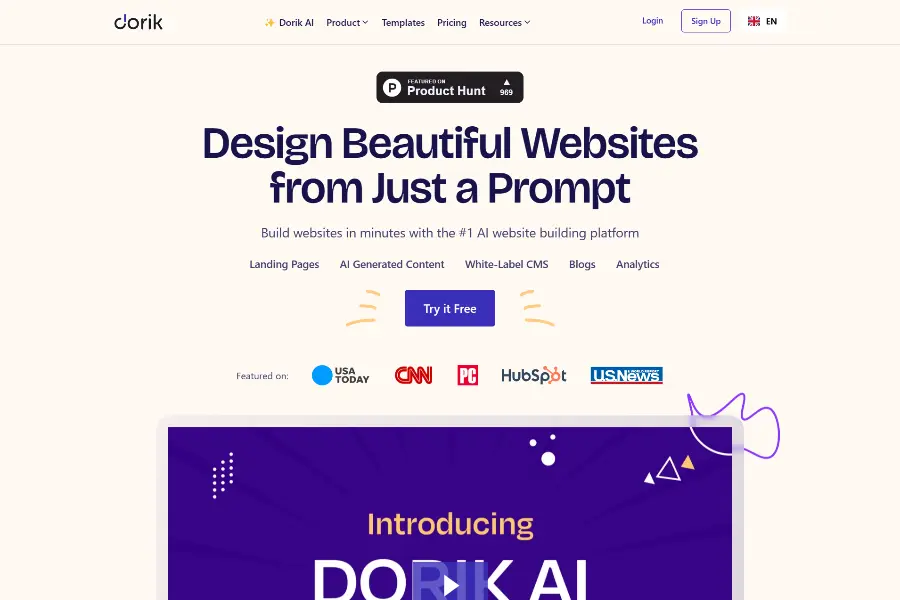
This user-friendly builder is perfect for beginners.Dorik offers pre-built templates and a simple drag-and-drop interface to create professional-looking websites. It's great for basic websites or landing pages and comes with built-in SEO tools for improved search engine visibility.
Key Features
- Pre-designed UI block: Pre-designed collection of 250+ UI blocks
- Never Run Out of Space: Host unlimited content on your website.
- Drag & Drop Builder: Drag-and-drop builder makes website creation a breeze. No coding is required.
- Built-in Blog: Easily share your thoughts and updates with a built-in blogging tool.
- Edit Images on the Fly: Make basic edits to your website images directly on the platform.
- Move Your Site Freely: Easily transfer your Dorki website to another hosting provider if needed.
- Control Who Sees What: Create member-only sections on your website for exclusive content.
- Security: Dorik ensures that every website built with Dorik is completely secured from spamming and phishing.
Pros & Cons
| Pros | Cons |
|---|---|
| ✅ Free plan with good features | ❌Limited e-commerce features |
| ✅Easy to use, no coding required | ❌ Fewer design customization options |
| ✅Scalable for individuals and organizations | ❌ Basic photo editing |
| ✅ Import & export flexibility | ❌ Limited number of blogs per site in free plan |
| ✅ Reliable uptime | |
| ✅ AI-powered assistance | |
Best for
- It-Startups
- Small business
- Educational and professional sites
HubSpot CMS
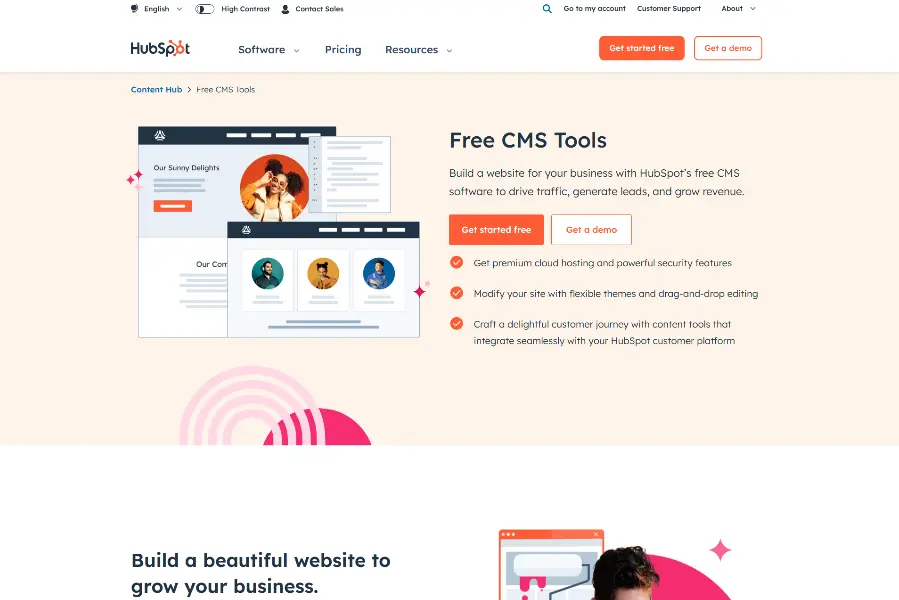
If your main goal is to drive growth through content, Hubspot CMS is a strong option. It tightly integrates with HubSpot's other marketing tools, enabling you to oversee website content, email campaigns, and analytics from a single dashboard. While a basic free version exists, the paid tiers offer advanced marketing automation essential for scaling businesses.
Key Features
- Comprehensive Toolkit: HubSpot provides a wide array of features for marketing, sales, and customer relations.
- Customizable Designs: Tailor your website and content effortlessly using HubSpot's versatile design tools.
- Unified Platform: HubSpot manages everything from website creation to email marketing, customer relationship management, and more.
- Reliable Content Management: Easily host and organize your content with HubSpot's sturdy content hosting infrastructure.
- Robust Security and Assistance: Benefit from round-the-clock security monitoring, along with a standard SSL certificate for enhanced security.
- SEO Enhancement Suggestions: Receive practical recommendations to boost your website's search engine visibility.
- Website Themes: Choose from ready-made, adaptable website templates to launch your site quickly.
- Integrated Customer Relationship Management: HubSpot's CRM is seamlessly connected to the CMS hub for streamlined customer interactions.
- Intuitive Content Editor: Build and modify content simply with HubSpot's drag-and-drop interface.
- Data-Driven Optimization: Improve your content and website performance through HubSpot's intelligent A/B testing functionalities.
Pros & Cons
| Prons | Cons |
|---|---|
| ✅ User-friendly, centralized platform | ❌ Requires time to master advanced customizations |
| ✅ Suitable for budget-conscious teams | ❌ Less design freedom compared to some options |
| ✅ Responsive templates for mobile devices | ❌ Lacks content revision tracking |
| ✅ Secure and optimized for speed | ❌ Not designed for full-fledged online stores |
| ✅ Tailored content delivery | |
Best for
- B2B Marketing
- E-commerce
- SaaS (Software as a Service)
- Financial Services
- Healthcare
- Technology and Software
- Marketing Agencies
- Education
Conclusion
Choosing the right platform depends on your specific needs. While WordPress is a popular option, it is not the only solution. Explore alternatives that best fit your requirements.
