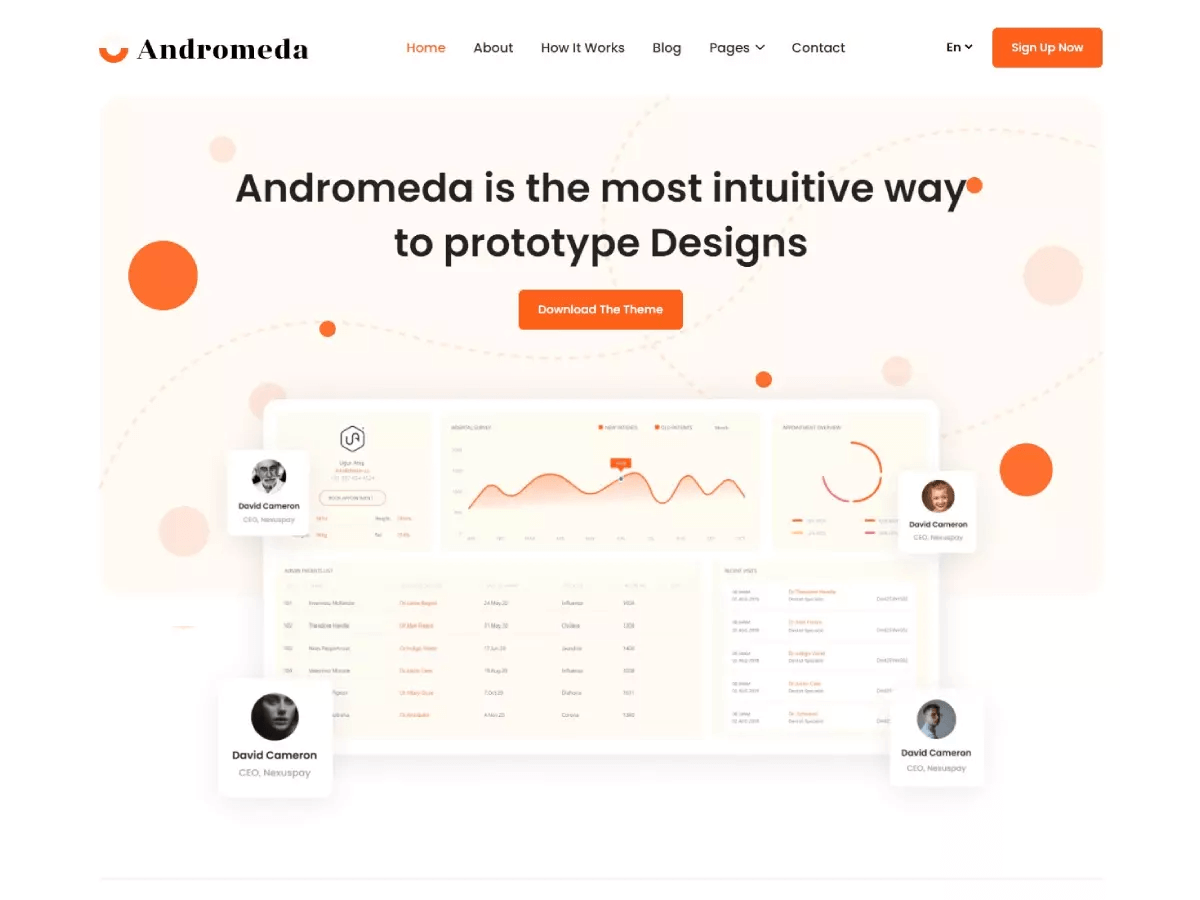
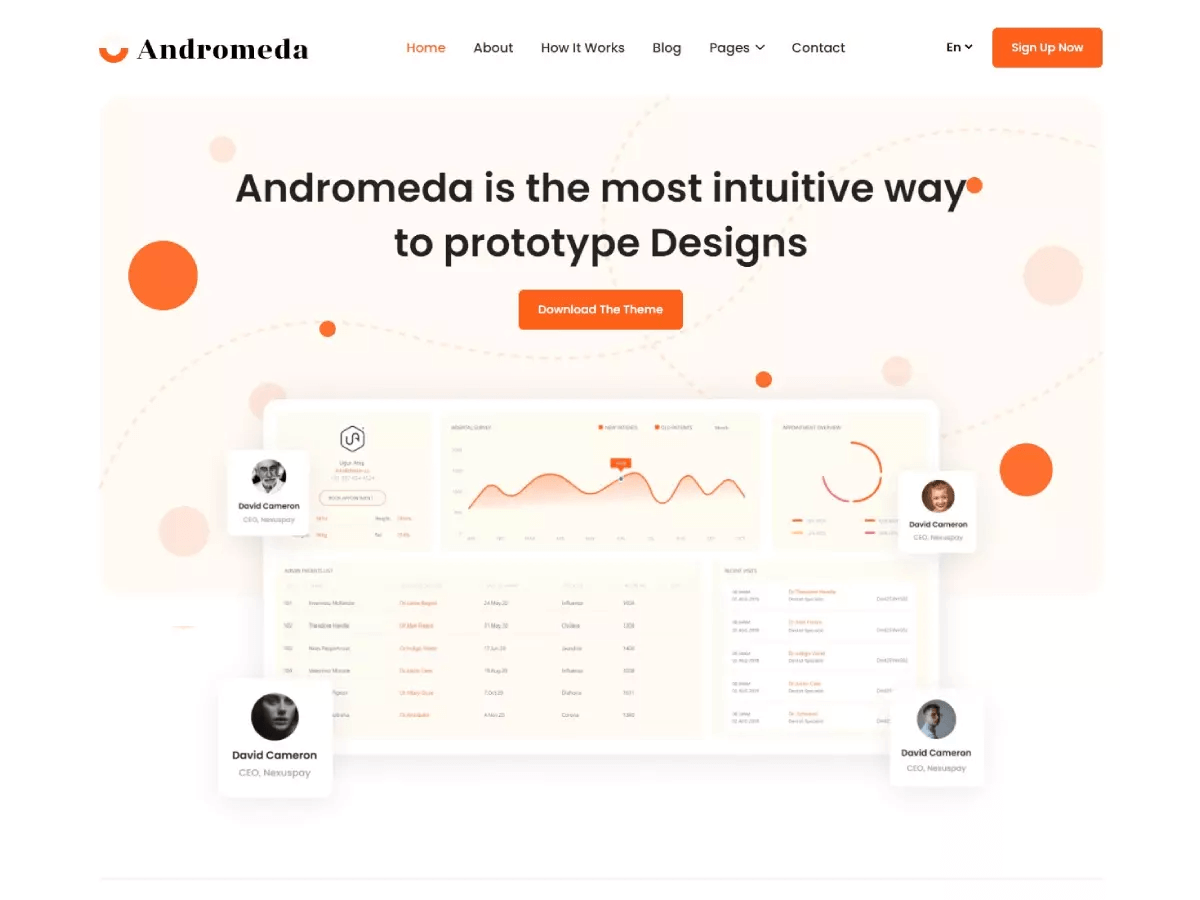
Andromeda Light Nextjs
- Highly Customizable
- MIT License
- Community Support
- FREE Updates
Andromeda Light Nextjs
Free- MIT license
- Documentation
Andromeda Light Nextjs
$17.00- Commercial License
- Premium Support
- Free Update
- Documentation
- No Copyright
- Removable License
Theme Description
Upgraded to Next.js 16 with built-in Agent skills 🚀
Andromeda Light is a multipurpose SaaS landing page theme built with NextJS and Tailwind CSS, designed to showcase any SaaS product with elegance and functionality. It comes with multi-author blog support, related posts suggestions, Disqus comments, and a 100/100 Google PageSpeed score on desktop, all backed by a highly customizable design system built for speed and conversion.
Pages Included
- Homepage
- About
- Blog
- Blog Single
- About
- Contact
- Terms & Conditions
- 404
Key Features
- Related posts suggestions
- Disqus comments support
- Contact form support
- Google Analytics support
- 100/100 Google PageSpeed score on desktop
- MDX support with built-in custom components
- Image optimized with Next/image
- Highly customizable (color, font, menu, social links, SEO meta tags, etc.)
Common Features
All of our NextJS themes come with the following features:
- Clean code and folder structure
- Compatible with all modern browsers
- Free Icons + Google font
- Free future themes update
- Free customers support
- Responsive design
- Highly customizable
- Component-based design
- 90+ Google PageSpeed score
- Pre-configured Vercel & Netlify deploy setting
- Tailwind CSS for Styling
- SEO Optimized
- Markdown & MDX content
- Pre-configured Sitepins CMS (Optional)
Who Is This Template For
Andromeda Light is ideal for SaaS founders, product marketing teams, and startup agencies who need a polished, feature-rich website to launch or scale their software product. It is a great fit for teams that need more than a basic landing page, with built-in blog functionality, related posts, and a clean light aesthetic ready to go out of the box.
How to Get Started
- Download the code
- Run
npm installto install dependencies - Run
npm run devto start the local development server - Update
src/configwith your site name, description, and style - Replace placeholder content and assets with your product content
- Run
npm run buildand deploy to your preferred platform