Dockit Astro
- Highly Customizable
- MIT License
- Community Support
- FREE Updates
Dockit Astro
Free- MIT license
- Documentation
Dockit Astro
$17.00- Commercial License
- Premium Support
- Free Update
- Documentation
- No Copyright
- Removable License
“Themefisher has been a great supporter and contributor to the Astro ecosystem, providing several high quality popular themes that make it easy to get started with Astro.”

Theme Description
Updated for Astro v7! 🚀
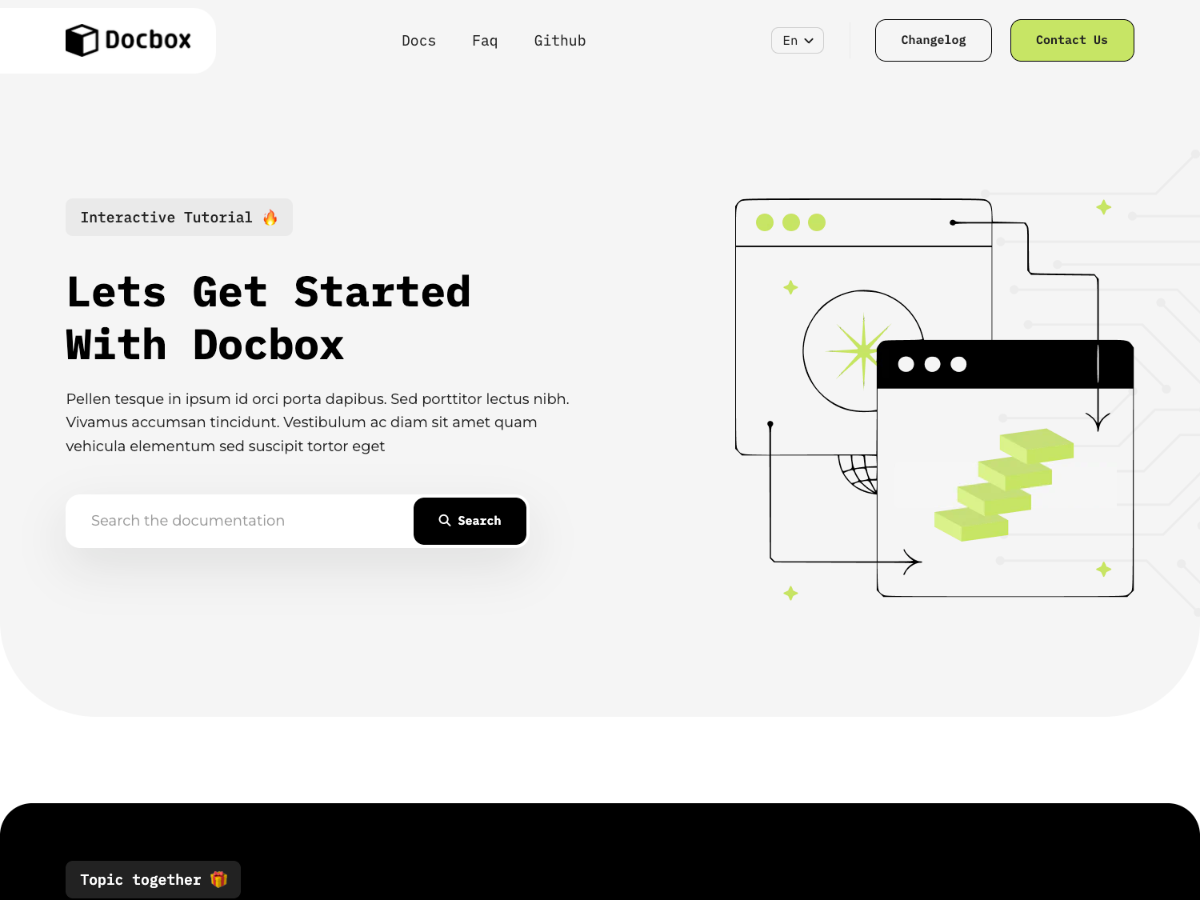
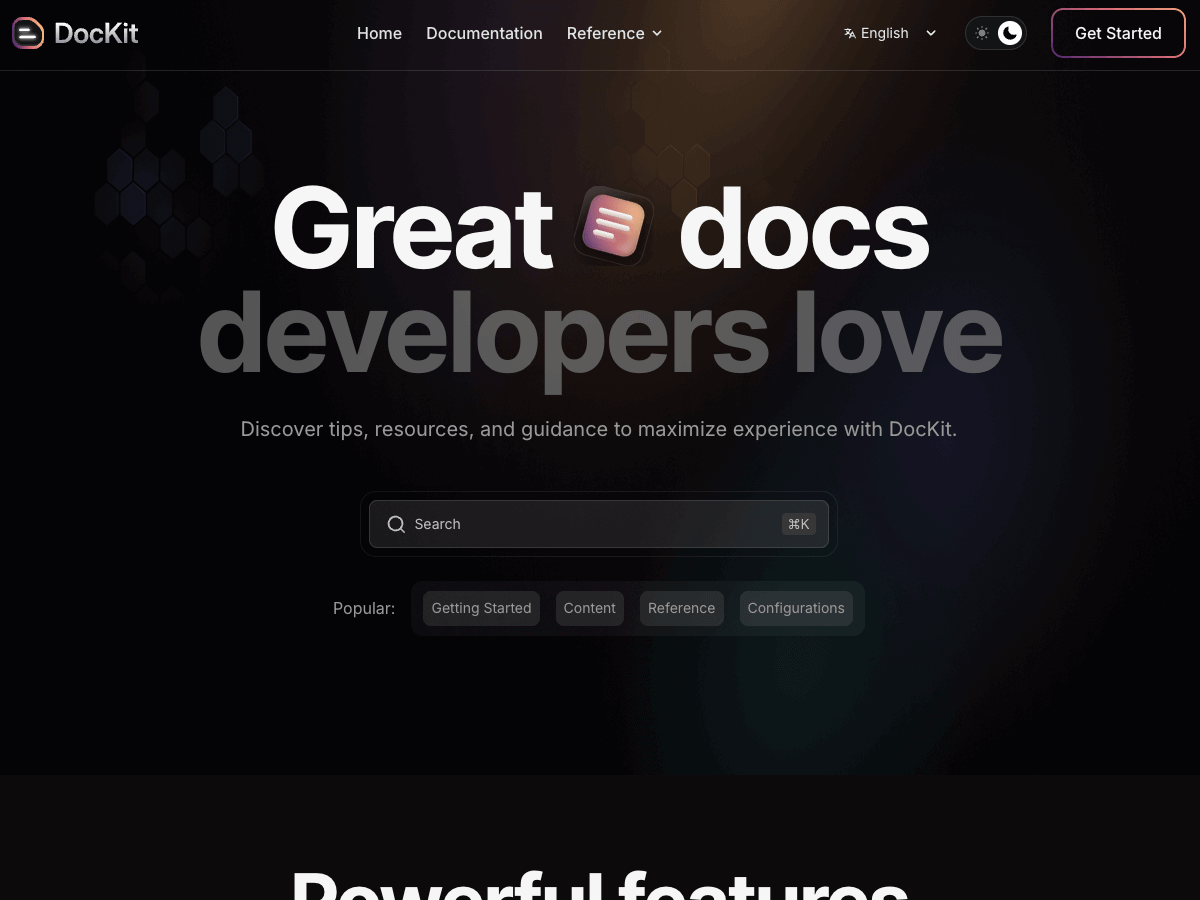
DocKit is a modern documentation theme built with Astro and Tailwind CSS, designed for product teams, SaaS developers, API providers, and software companies that need a fast, clean, and user-friendly documentation site without complex setups. It comes with 5 pages, dark/light mode toggle, auto-imported MDX components, and a sleek minimal design built for readability, scalability, and SEO discoverability.
Pages Included
- Homepage
- Documentation
- Reference
- About Us
- Privacy Policy
- 404
Key Features
- Dark/light mode toggle
- Auto-imported MDX components
- Sleek, minimal design optimized for readability
- SEO-optimized structure for better discoverability
- Modular, developer-friendly codebase built for scalability
- Markdown & MDX support for effortless content management
Common Features
All of our Astro themes come with the following features:
- Clean code and folder structure
- Compatible with all modern browsers
- Free Icons + Google font
- Free future themes update
- Free customers support
- Responsive design
- Highly customizable
- Component-based design
- 90+ Google PageSpeed score
- Pre-configured Cloudflare, Vercel & Netlify deploy setting
- Tailwind CSS for Styling
- SEO Optimized
- Markdown & MDX content
- Pre-configured Sitepins CMS (Optional)
Who Is This Template For
DocKit is purpose-built for product teams, SaaS and API developers, software companies, open-source project maintainers, and technical writers who need a fast, professional documentation site that keeps users focused on the content. It's an ideal choice for teams that value speed, clarity, and simplicity — and want a scalable foundation that grows effortlessly alongside their documentation.
How to Get Started
- Download the code
- Run
npm installto install dependencies - Run
npm run devto start the local development server - Update
src/configwith your site name, description, and style - Replace placeholder content and assets with your product content
- Run
npm run buildand deploy to your preferred platform